Creators Program

Share your link. Earn when a signup is attributed to you.

You earn ₹3 per signup through your link
Your link askout.me/r/yourname. Letters, numbers, and underscores. At least 3 characters. Keep it short and easy to say. You can change it later if the new name is free.
Payouts from ₹100 Request the full balance to your UPI ID. One open request at a time. AskOut aims to clear it within 14 days. Signups after you submit stay for the next payout.
Live after review We review your socials before the link can earn. There is no automatic approval. Pending links do not get signup credit.

How it works

1

Pick a username

Sign up in the AskOut app, open Creators Program, and choose the name on your link.
2

Share it

Once the link is active, put it in your bio, stories, and reels. People install AskOut and create an account from that link.

3

Get paid

Each attributed signup adds the rate locked at that moment. The app shows clicks, signups, and earnings.

Only you are paid. The person who downloads or signs up receives no cash, gift, Premium, discount, or credit from AskOut, and must not be offered any. Do not ask anyone to rate or review AskOut in exchange for a reward. The default rate is ₹3 today. AskOut can change it later, and the amount for a signup is fixed when that signup is counted. Figures in the app are estimates, not a promise of payment. AskOut checks signups at payout and does not pay invalid, duplicate, or incentivized ones. It may also delay or refuse payment when signups or promotion do not meet its quality standard. The amount paid can be lower than the request. Signups AskOut approves are still paid.

Join from the app

  1. 1 Sign up on AskOut. Download the app and create your account. Creators Program lives inside the app, so you need your own account first.
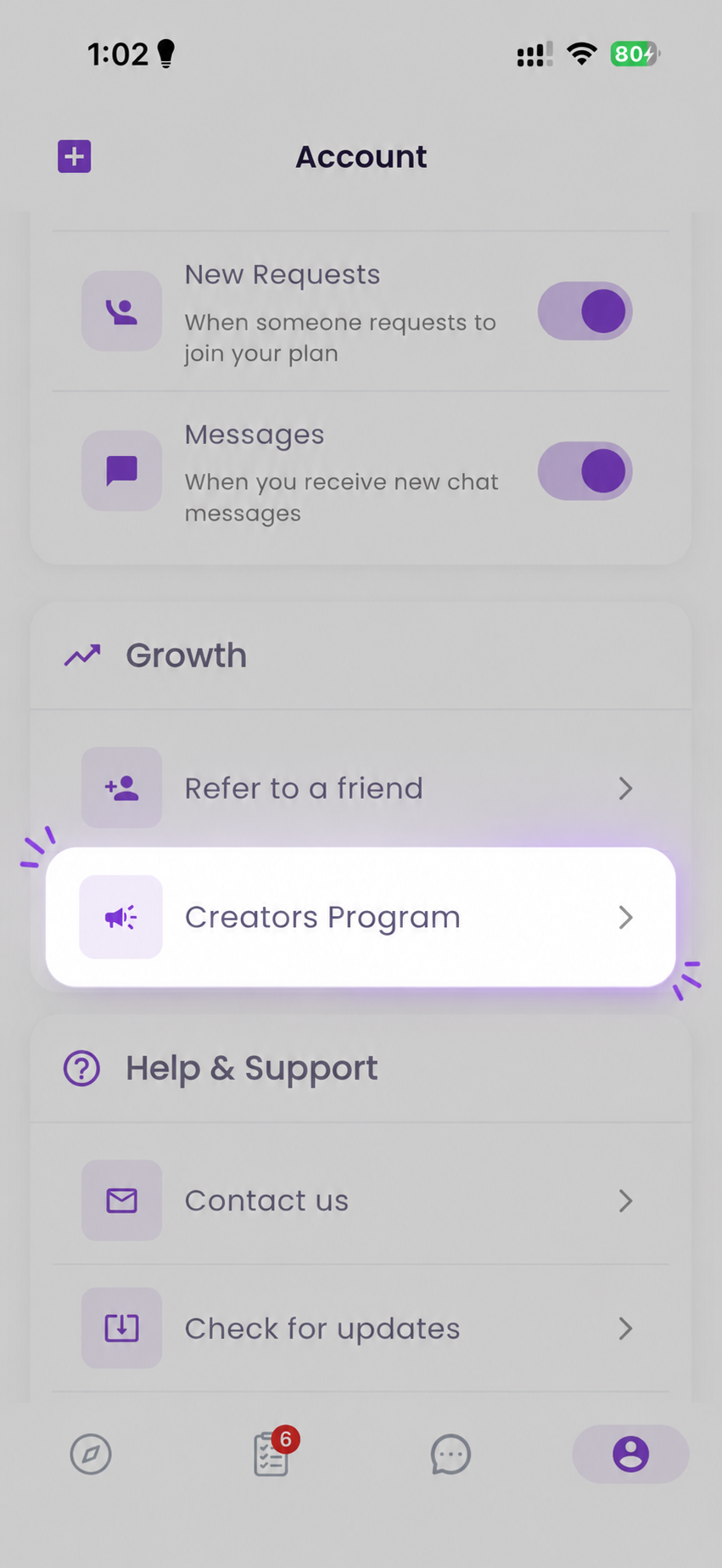
  2. 2 Open Creators Program. Go to the Account tab. Under Growth, tap Creators Program.
  3. 3 Choose your link and accept the terms. Your share URL is askout.me/r/ plus the username you pick.
  4. 4 Wait for review. We look at your audience before turning the link on. Pending links do not earn.
  5. 5 Share the active link. Use it in reels, stories, and your bio. The app tracks clicks, signups, and earnings.
  6. 6 Request a payout. At ₹100 or more, add your UPI ID and withdraw the full balance. Questions about review or payouts go to @askout.me.
AskOut Account screen with Creators Program highlighted under Growth
Account → Growth → Creators Program

How to promote

  • Share the link with your own audience, and say it is AskOut. The person installing makes that choice themselves.
  • Do not offer money, gifts, Premium, or any other reward for downloading, signing up, rating, or reviewing.
  • Do not use misleading ads, fake buttons, fake system alerts, or unsolicited SMS.

Sample reel

Publish trial reels in this style, then follow the tips.
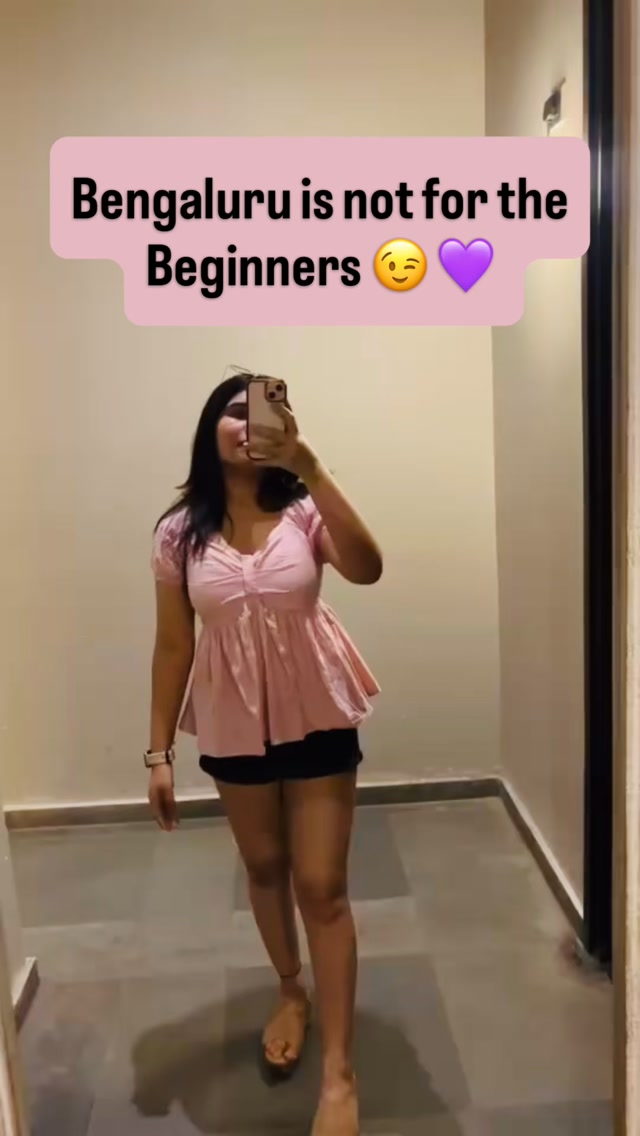
Sample reel still: a creator films a plan in Bengaluru, with the caption Bengaluru is not for the Beginners Watch on Instagram
  1. 1Publish trial reels. Don’t send a collab request while you are publishing.
  2. 2Mention the city in the reel.
  3. 3Show multiple plans from the AskOut app.
  4. 4Wait for the trial reel to get good traction. If you are comfortable turning that trial reel into a regular post, do it, then send a collaboration request to @askout.me.

Followers grew from 3,000 to 8,000, and their reels earned over ₹5,500 in a month. One creator’s result, not a guarantee. What you earn depends on your audience and on signups AskOut approves.